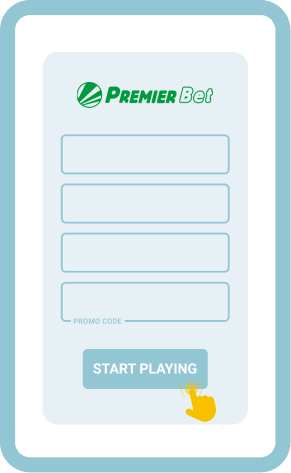
Premier Bet Online Login
Accessing Premier Bet is simple for anyone with a stable internet or Wi-Fi connection. The platform gives multiple login options, each tailored to different devices and player habits. Here are the login options available:
- Mobile app – Ideal for Android users who want fast navigation and a betting platform designed for smartphones.
- Website – For users who prefer a fully featured platform and enjoy placing bets on larger screens.
- Mobile site – Best for quick access from phones or tablets without installing extra apps.
Offline Login via SMS/USSD
Controlling data use is crucial for players in Rwanda who have limited bundles or spotty connections. Premier Bet provides offline login through SMS and USSD, helping everyone keep access to their account and bets. These offline features work seamlessly and suit users who need to minimise their data spend, especially where fast networks are hard to find.
| Network | USSD Code | Login Method |
|---|---|---|
| MTN Rwanda | *140# | USSD/SMS |
| Airtel Rwanda | *144# | USSD/SMS |
How to Sign In to Premier Bet Account Through Website
Premier Bet’s website login works quickly and efficiently on desktops, laptops, or any smartphone browser. The streamlined process gets users into their accounts without fuss and maintains all standard features.
Website Login Process:
- Open The Premier Bet Website. Enter the official address in your browser and go to the homepage.
- Click The Login Button. Find the login field in the upper right and input your details to continue.
- Complete Login And Access Account. Confirm your credentials and enter your account dashboard instantly.
Premier Bet Lite simplifies this process for those using slower internet or older hardware. This version cuts down data use, provides faster load times, and keeps core betting and account functions.
Lite Version Login Steps:
- Open Lite Website;
- Press Login;
- Enter Details.
How to Sign In to Premier Bet Account Through Mobile App
Premier Bet is easy to reach on the go, thanks to the dedicated Android app. Android users enjoy a seamless mobile interface. Those on iOS can use the mobile site without missing any key features, as the app is not yet available for Apple devices.
| System Requirements | Android | iOS |
|---|---|---|
| OS Version | Android 5.1 or higher | - |
| RAM | At least 1GB RAM recommended | - |
| Storage space | At least 12 MB | - |
| Internet | Requires stable internet for full app functionality | - |
After downloading the Android app from the Premier Bet website, logging in is straightforward. Open the app, tap the sign in area, and follow the prompt for your credentials. For Apple device users, visiting the mobile version of the website achieves the same secure result.
Step-by-step guide: Premier Bet App Login:
Download the latest app directly from the Premier Bet site for your device.
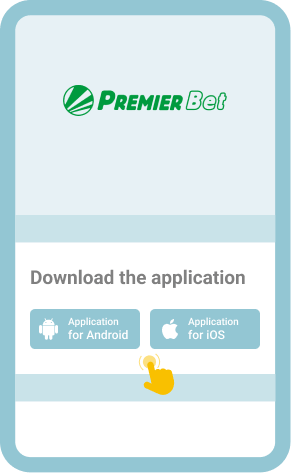
Tap the app icon, then press the login button on the main screen to start.
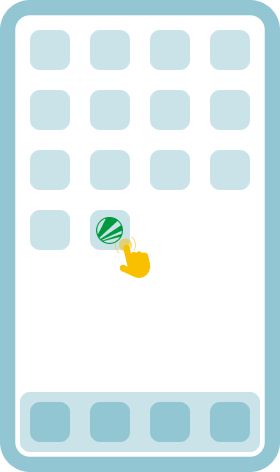
Enter your phone number or user ID and password as prompted by the app.
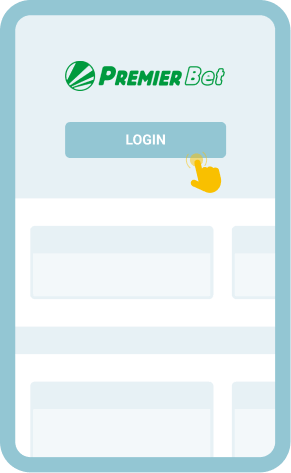
Instantly reach your betting dashboard where all main features are available immediately.