SportyBet Online Login
Logging in with SportyBet is quick and easy as long as you have a steady internet connection or Wi-Fi. Players can sign in from different types of devices, which suits a variety of preferences.
- Mobile app – The perfect option for Android or iOS users seeking smooth navigation and full functionality on the go.
- Website – This choice gives you all features, detailed stats, and live betting in a browser-friendly setting.
- Mobile site – For lightweight, fast access, try this option if you want to save storage or use an older device.
Offline Login via SMS/USSD
For many players in Rwanda, keeping data costs low makes a real difference. SportyBet offers offline access through SMS and USSD, which keeps betting simple even without internet.
These options work well if you use basic mobile phones or have unreliable connections. Partners like Airtel and MTN Rwanda support SMS or USSD channels, so you can follow bets or check balance without bundles.
| Network | USSD Code | Login Method |
|---|---|---|
| MTN Rwanda | *174# | USSD/SMS |
| Airtel Rwanda | *727# | USSD/SMS |
How to Sign In to SportyBet Account Through Website
Logging in through the website stands as the simplest way to access SportyBet from any device, whether on a computer or phone browser. Players get instant access to all the main features right after signing in.
Website Login Process:
- Open SportyBet Rwanda official website. Enter the URL directly into your preferred browser for easier, safer access.
- Click the Login button then complete details. The prompt displays fields for your registered phone and password.
- Confirm the login to open your account. You will go straight to your dashboard and all main features will load instantly.
SportyBet Lite Version offers a trimmed-down interface designed for those with slower internet or basic smartphones. This version loads quickly and uses less data without removing the main sports betting options.
Lite Login Steps:
- Go to SportyBet Lite;
- Tap Login and enter details;
- Complete sign in.
How to Sign In to SportyBet Account Through Mobile App
The SportyBet app makes sportsbook access simple from nearly any mobile device, supporting Android and iOS users in Rwanda. Both apps provide a seamless login, quick navigation, and all the platform`s core features.
| System Requirements | Android | iOS |
|---|---|---|
| OS Version | Android 7.0 or higher | iOS 14.0 or later |
| RAM | At least 1GB RAM recommended | At least 1GB RAM recommended |
| Storage space | Minimum ~35 MB | Minimum ~35 MB |
| Internet | Stable connection required | Stable connection required |
To log in, just install the appropriate version from the official site, open the app, and use the same steps as on desktop. This app gives the quickest way to track bets, explore markets, and manage live wagers while on the move.
Both iOS and Android users enjoy a mobile-optimized design, which keeps all tabs easy to reach with swipe gestures and main controls one tap away.
Step-by-Step Login via App or Mobile Site:
Access the official site, then install the correct version for your phone.
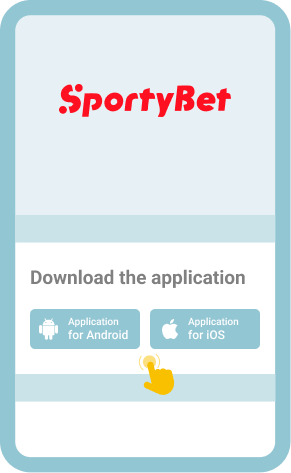
Launch the app. The Login button appears clearly at the main page for fast access.

Enter your phone number and password then tap proceed to continue.
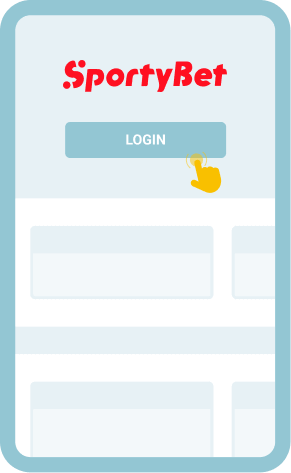
After successful login, browse promotions, place bets, or catch live matches.